
Brownout vs Blackout: Why Your Lights Flicker on Prepaid
Lights flickering or dimming on prepaid? Learn what a brownout is, how it differs from a blackout, and what to do to keep the lights on.
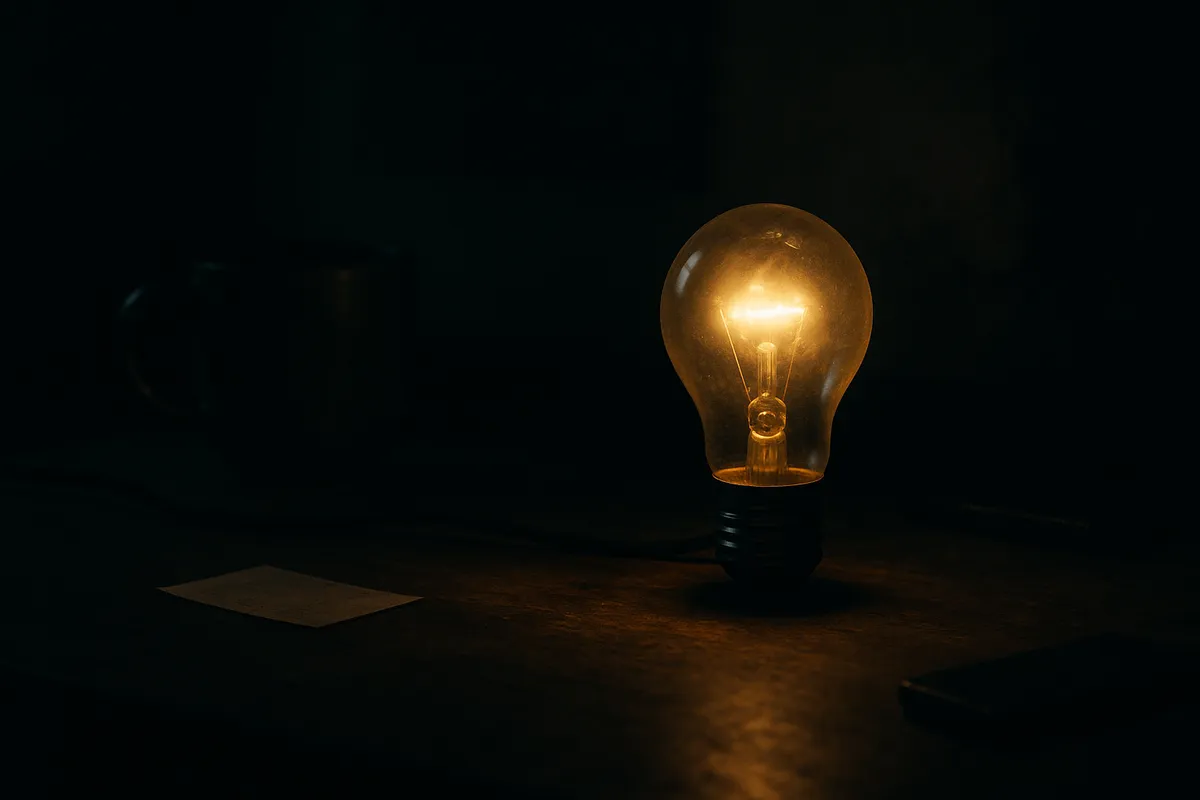
If your lights are dimming and flickering but still on, that’s a brownout, and it’s not the same thing as your lights getting cut off.
That distinction matters because the fix is different depending on which one you’re dealing with. If you’re on pay-as-you-go lights, you need to know whether the issue is your balance, your wiring, or the grid itself before you do anything else.
What Is a Brownout?
A brownout is a partial drop in voltage across the electrical grid. The lights stay on but they dim, flicker, or act sluggish. Appliances run slower. Your AC might struggle. Your refrigerator motor might hum louder than usual.
The word comes from what happens: instead of the full bright output you normally get, everything drops to a brownish, dimmer level. It’s the grid delivering less power than usual, not zero power.
Brownouts are usually intentional. The utility, in Texas that’s your local transmission and distribution utility like Oncor, AEP, or CenterPoint, reduces voltage on purpose to prevent a full collapse of the grid during periods of peak demand. Think of it as the grid putting itself on a budget to avoid a total shutdown.
Texas summers push the grid hard. When ERCOT issues a conservation notice or a grid emergency alert, brownouts can happen across entire regions at the same time. You didn’t do anything wrong. The whole neighborhood is in the same situation.
Brownout vs Blackout: What’s the Actual Difference?
A blackout is a complete loss of power. Your lights got cut off entirely, the fridge stops, the AC stops, everything is dead. That’s zero voltage.
A brownout is reduced voltage. Things still work, just worse.
Here’s how to tell which one you’re dealing with:
- Lights still on but dim or flickering? Brownout.
- Everything totally off with no response at all? Blackout or your lights got cut off for another reason.
- Some rooms have power but others don’t? Could be a partial outage or a tripped breaker, not a brownout.
- Neighbors also have flickering lights? Almost certainly a grid brownout. Check your neighbors before you do anything else.
If your neighbors’ lights are fine and yours are flickering, the problem is inside your unit or tied to your account, not the grid.
Why Did My Lights Flicker? Running Through the Real Causes
Flickering lights have more than one cause. Here’s how to sort through them fast.
Your prepaid balance hit zero. On pay-as-you-go lights, most light companies in Texas give you a low-balance warning before the lights get cut off. Some send a text at $10, some at $5. If you didn’t add money in time, your lights can flicker right before the cutoff threshold kicks in. Check your balance first. Log into your account or text your light company’s short code right now. If the balance is at or near zero, add money immediately. Most prepaid light companies restore power within the hour once you reload.
A grid brownout from ERCOT. Check the ERCOT website or your utility’s outage map. If there’s a grid event in progress, you’ll see it there. Nothing you can do but wait it out and unplug sensitive electronics like computers and medical equipment until voltage stabilizes.
A loose connection or wiring issue in your unit. If only one room is flickering, or if it’s tied to one specific outlet or light fixture, that’s a wiring issue inside the unit. That’s a maintenance call, not a grid problem and not a balance problem.
A bad appliance pulling too much load. An old microwave, a space heater, or an AC unit that’s going bad can pull enough current to cause noticeable flickers when they kick on. Unplug high-draw appliances one at a time and see if the flickering stops.
What to Do Right Now If Your Lights Are Flickering
Take these steps in order.
-
Check your prepaid balance. Text your light company or log into your app. If you’re below $10, reload before you do anything else. Don’t wait to investigate the cause first. A zero balance will get your lights cut off fast.
-
Check your neighbors. Step outside or text someone on your street. If they’re flickering too, it’s the grid. Check ERCOT.com or your transmission utility’s outage map for a reported event.
-
Check your breaker box. A tripped breaker looks like a switch that’s halfway between on and off. Flip it fully off, then back on. If it immediately trips again, something on that circuit is pulling too much load.
-
Call your light company if the balance is fine and it’s not a grid event. Give them your account number and describe exactly what you’re seeing. They can check whether the issue is on their end.
Brownouts and Prepaid Lights: One Thing to Know
Pay-as-you-go lights track your usage in real time. During a brownout, voltage is lower. Purely resistive stuff, like an incandescent bulb, does draw less power at lower voltage. But your AC compressor and refrigerator motor don’t work that way — they pull more current to keep running, which can use more power, not less. Don’t assume your balance is safe just because the brownout is happening.
What does drain your balance fast is the aftermath. When voltage returns to normal after a brownout, your AC and fridge work overtime to recover. That spike in usage hits your prepaid balance. After any grid event, it’s worth adding a few dollars as a buffer so you don’t get caught short when everything kicks back on.
Keep the lights on by treating your prepaid balance like a gas tank. You don’t let it hit empty before you refill. The same logic applies here.

Consumer Advocate
I help you get your lights on when other companies say no. If you've been denied or quoted a huge deposit, I know the workarounds.
View full profileReady to find no-deposit lights?
Enter your ZIP code and we'll show you plans available in your area. No judgment, no hassle.
Texas ZIP codes only. We'll show you no-deposit plans in your area.